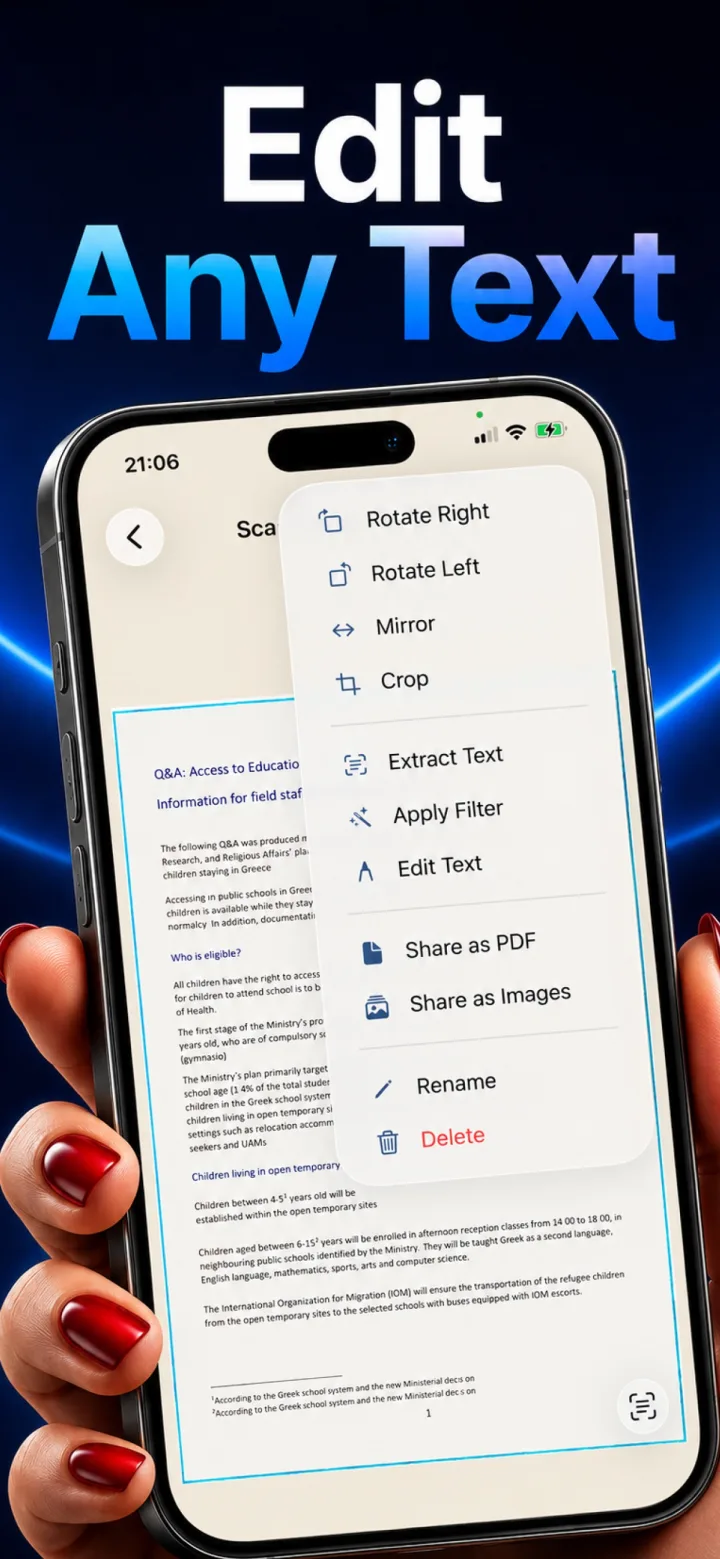
Remote work often means losing access to an office's dedicated scanner and printer setup — a phone scanning app fills that gap for the occasional document that still needs digitizing.
Signed documents and forms
Printing, signing by hand, and scanning back remains common for certain forms even in mostly-digital workflows — a fast, reliable phone scan removes the need to find a physical scanner for this occasional task.
Whiteboard and notebook capture
The same auto-detect and dewarp pipeline built for documents works well for photographing a whiteboard or handwritten meeting notes into a clean, shareable image or PDF.
Keeping a professional archive
Consistently scanning and organizing signed agreements, expense receipts, and reference documents creates a searchable personal archive without needing office infrastructure at all.
Is a phone scan professional enough to send to a client or employer?
Yes, as long as it's well-lit and properly dewarped — a clean phone scan is now a completely normal way to submit signed documents in most remote and hybrid work contexts.