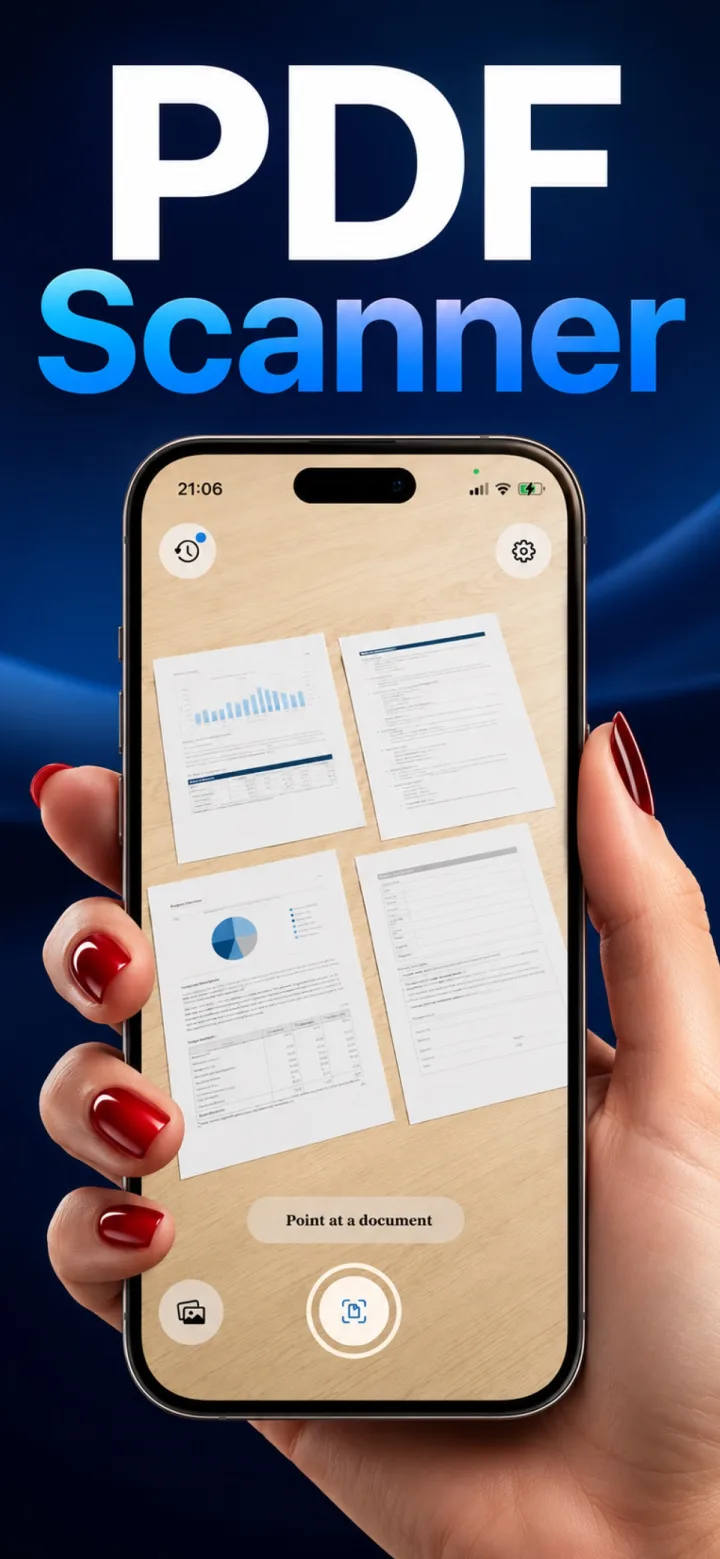
A few simple habits make a bigger difference to scan sharpness than any setting inside a scanning app.
Use even, diffuse light
A single harsh light source (a desk lamp pointed directly at the page) creates glare and uneven shadows. Diffuse daylight from a window, or a well-lit room without a single dominant light source, gives the most even result.
Hold the phone parallel to the page
While dewarping corrects moderate angles, starting closer to straight-on gives the detection algorithm a cleaner rectangle to work with and reduces the amount of correction needed.
Use a contrasting, plain background
A dark page on a light desk (or vice versa) helps auto-detect lock onto the actual edges quickly and accurately, rather than confusing a busy tablecloth pattern for part of the document.
Does phone camera resolution matter much for scan quality?
Less than lighting and angle — nearly every phone from the last several years has more than enough resolution for a sharp document scan; poor lighting or a skewed angle causes far more quality loss than sensor resolution.