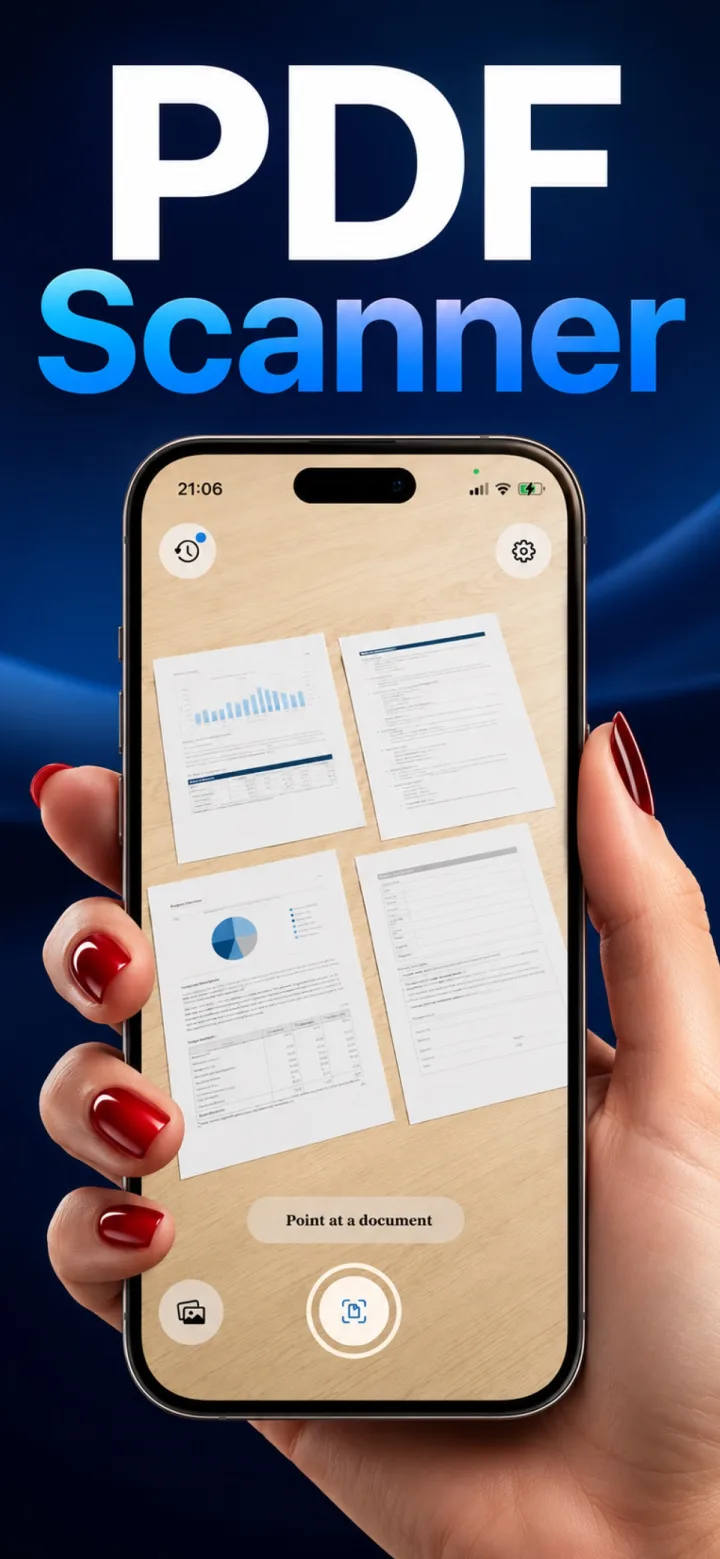
A dedicated document scan and a plain camera photo of the same page can look dramatically different, even though both started as the same camera capture.
Perspective correction
A regular photo keeps whatever angle you held the phone at. A scan is dewarped into a flat, straight rectangle, which alone makes it read as a 'document' rather than a 'photo of a document.'
Exposure and contrast correction
Scanning software specifically boosts contrast between text and background and evens out lighting across the page, correcting the shadows and glare that a plain camera photo leaves untouched.
Cropping and background removal
A scan crops tightly to the document's actual edges and discards the desk, hand, or background visible in a regular photo — the difference between a usable document and a snapshot that happens to contain one.
Can you get scan-quality results by editing a regular photo manually?
Partially — manual cropping and contrast adjustment can approximate it, but the automatic perspective correction and even lighting a dedicated scan applies are hard to replicate by hand in a general photo editor.