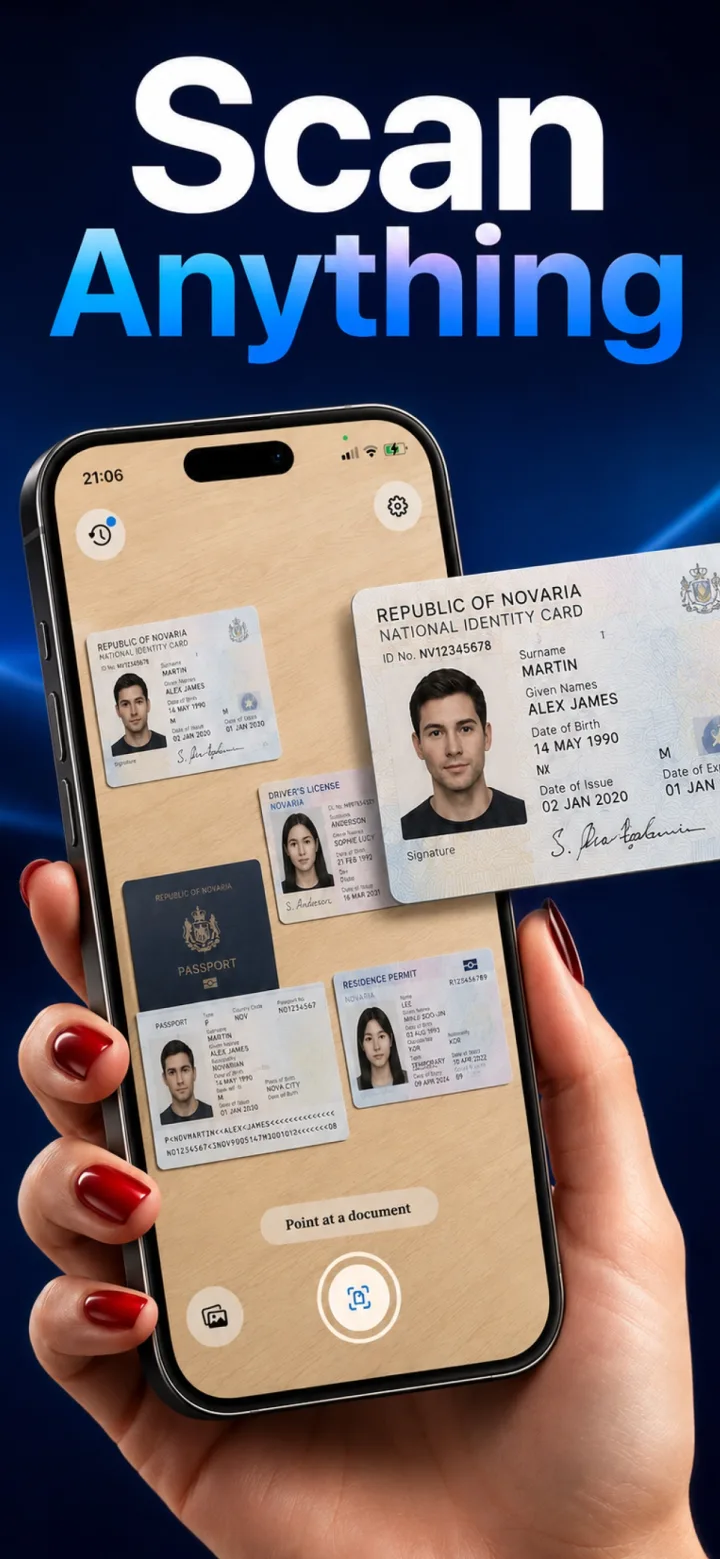
Scanning a government ID for your own records is common and useful, but it's worth being deliberate about how and where that scan is stored, given how sensitive the information is.
Prefer on-device processing for ID scans specifically
A driver's license, passport, or national ID contains your full name, date of birth, ID number, and often a photo — exactly the kind of content where a scanning app that never uploads anything matters most.
Crop tightly to just the card
A good auto-detect scan crops to the card's actual edges rather than including the surrounding table or background, which keeps the stored image focused and avoids unnecessary extra context in the file.
Consider where the exported copy ends up
If you export or share the scan for a specific purpose (a form, an application), think about where that copy will live afterward — the privacy of the original scan doesn't automatically extend to wherever you send an exported copy.
Is it a good idea to keep a digital scan of your passport for travel?
Many travelers do keep a digital copy as a backup in case the physical document is lost or stolen — storing it in a way that doesn't require cloud upload keeps that backup itself from becoming an additional point of exposure.