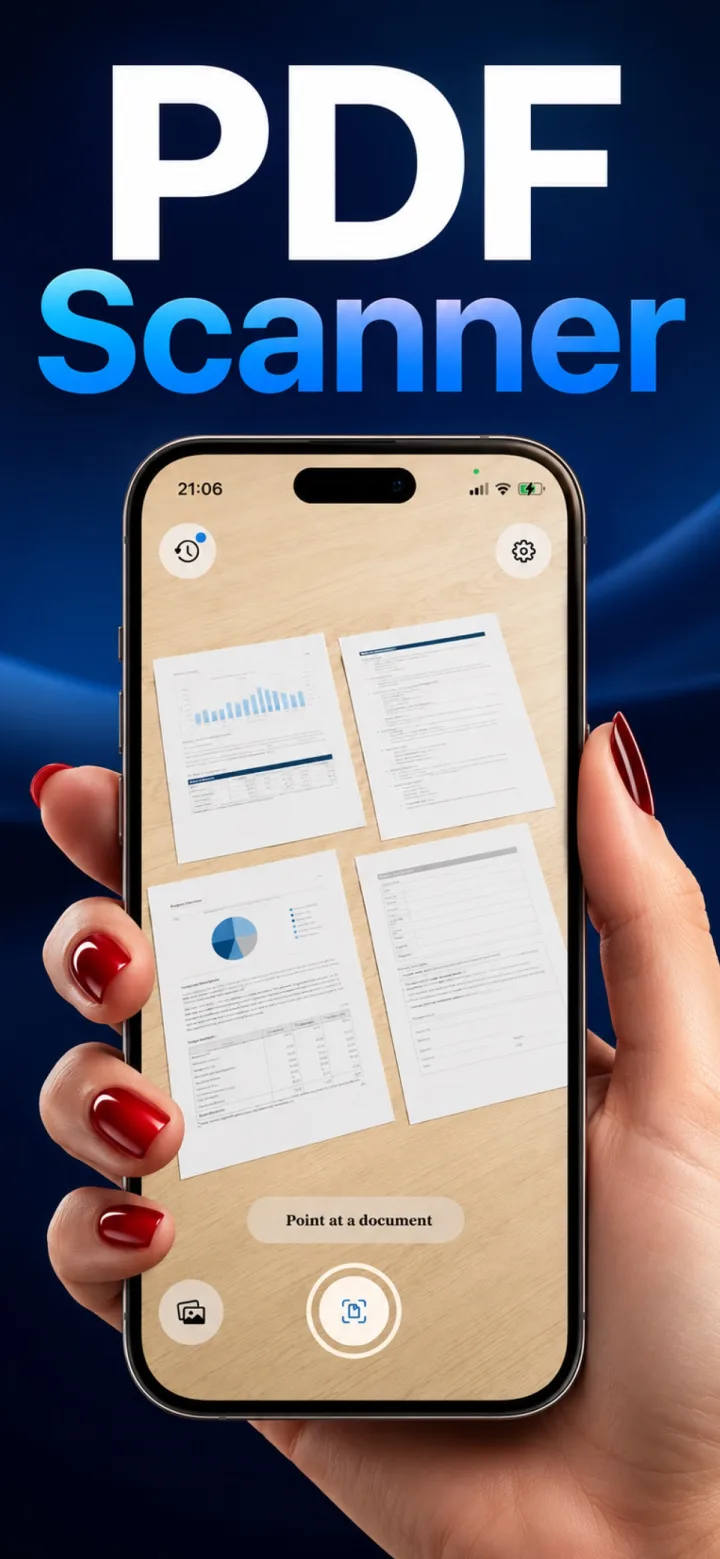
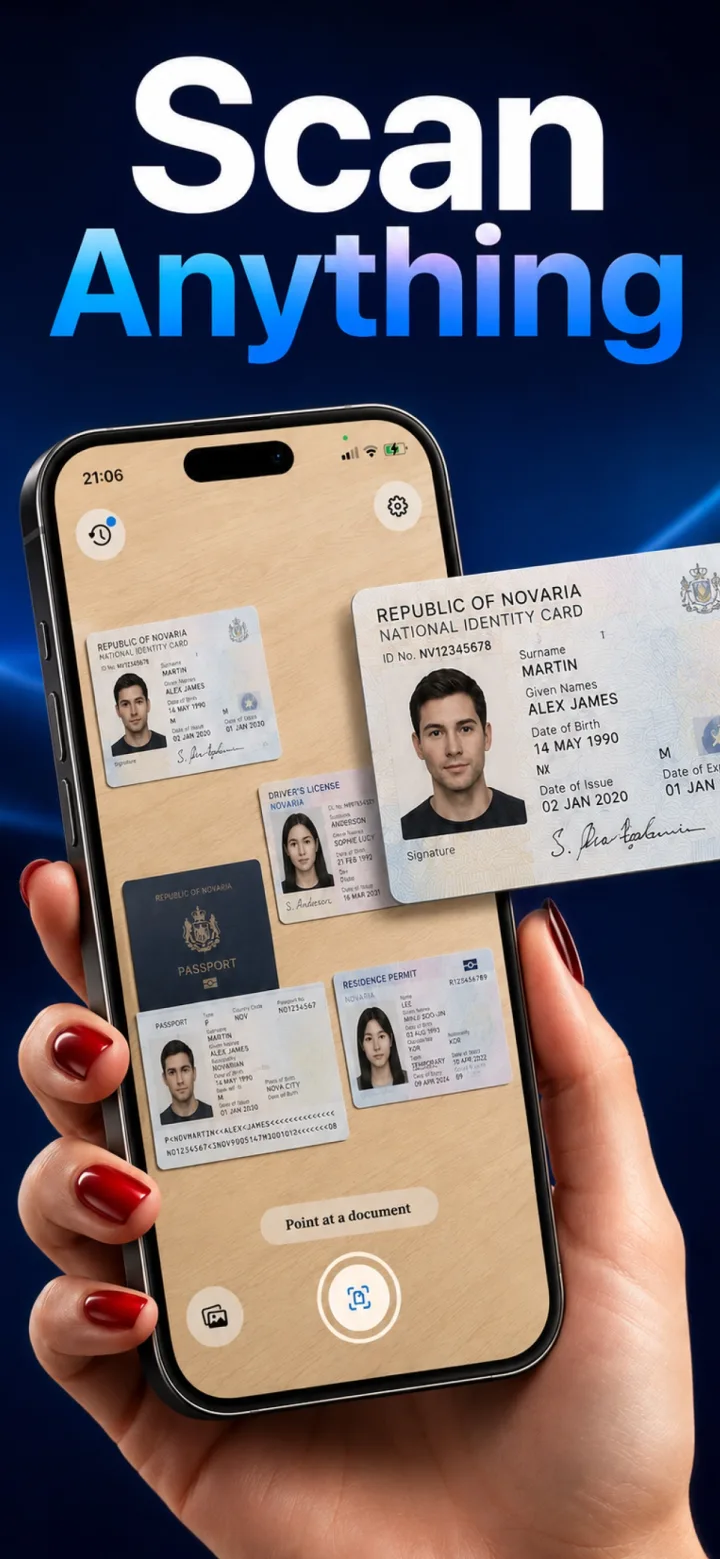
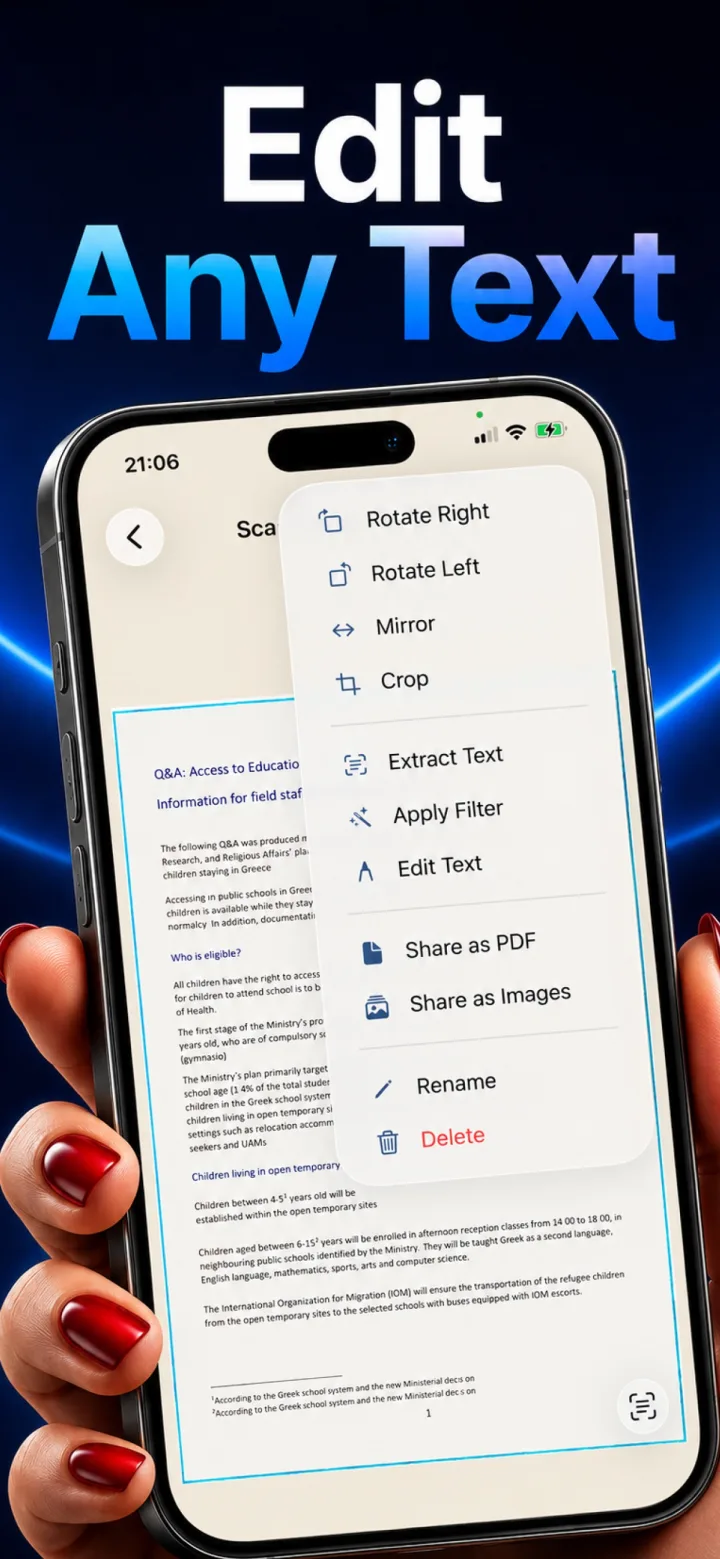
✦ Real App Screenshot
Every Scan Exports as a Clean PDF
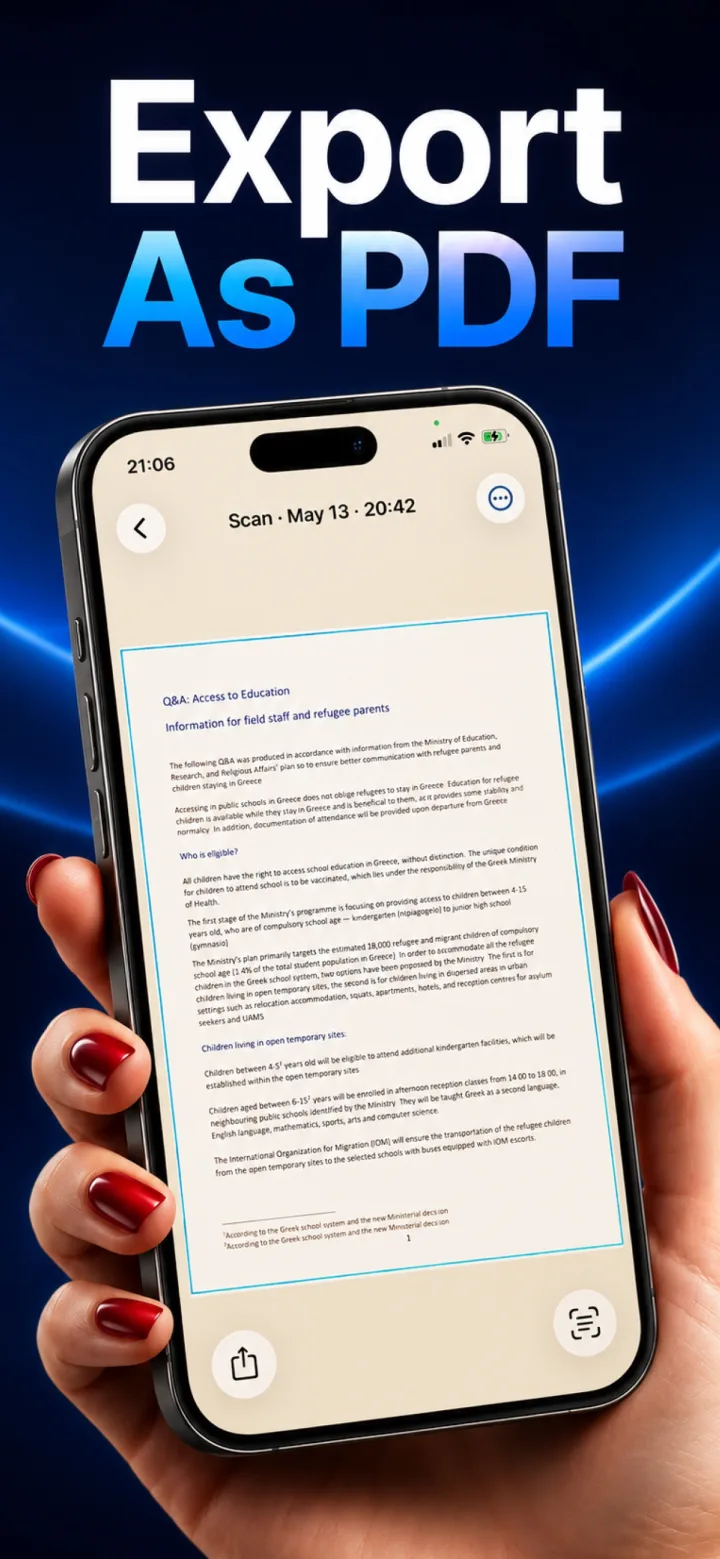
Once a page is captured, Lumi keeps it labeled by scan date and lets you export straight to PDF from the detail view. The scan you see here — a real document, dewarped and exposure-corrected — represents exactly what ships in the exported file: crisp, evenly lit, and free of the skew or shadow that a plain camera photo would have.
- One tap exports the current page — or a full multi-page session — to PDF
- Dewarping and exposure correction happen automatically at capture time
- PDF export, like everything else in Lumi, happens entirely on-device