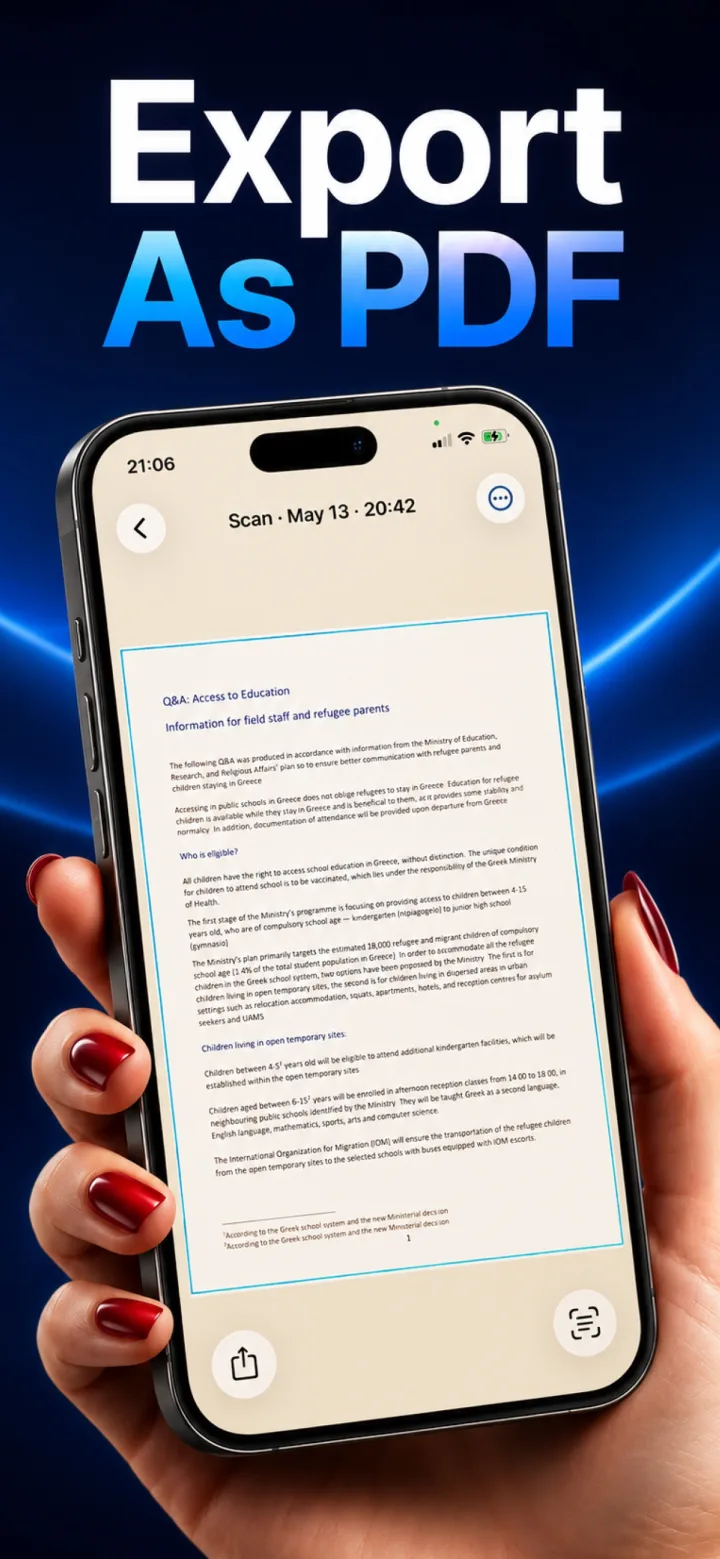
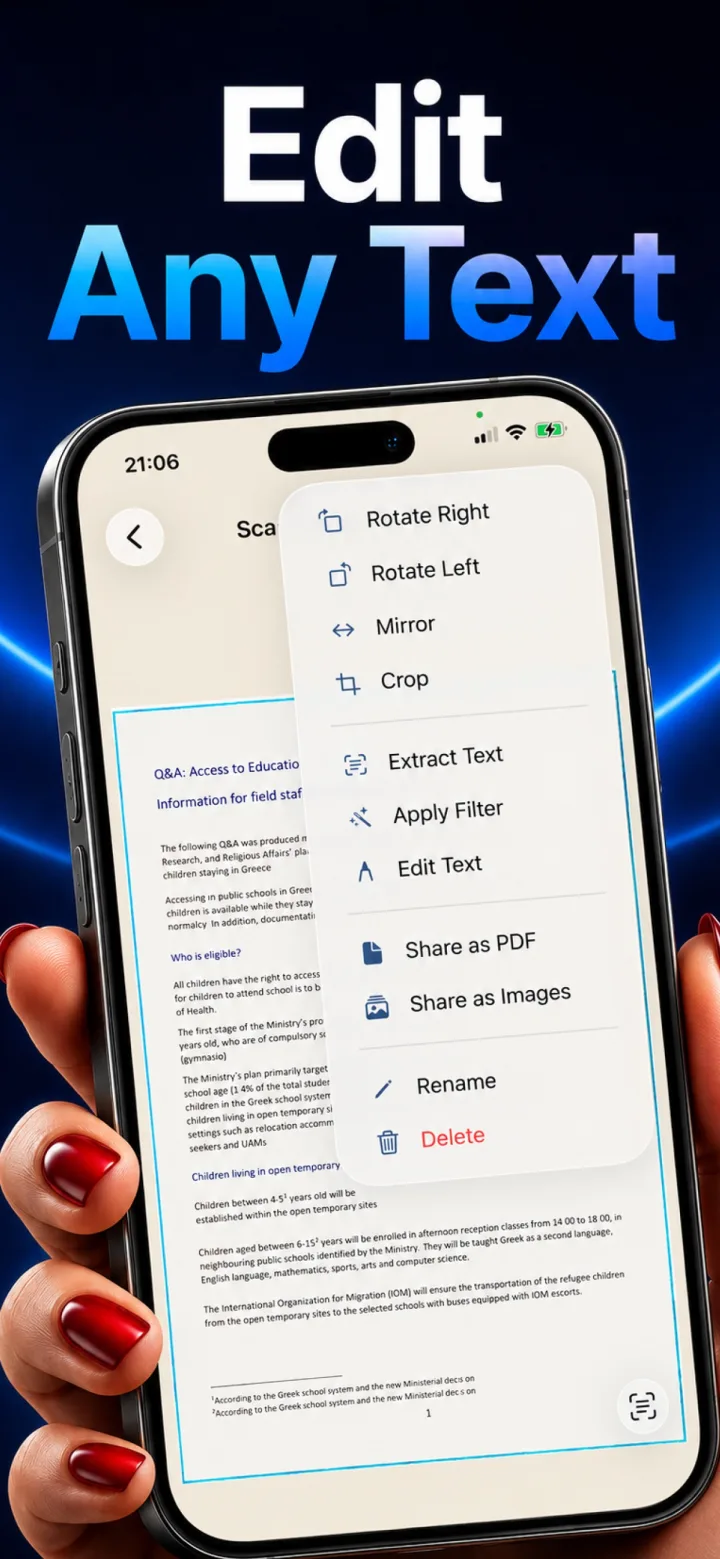
✦ Real App Screenshot
Point, Hold Steady, Scanned
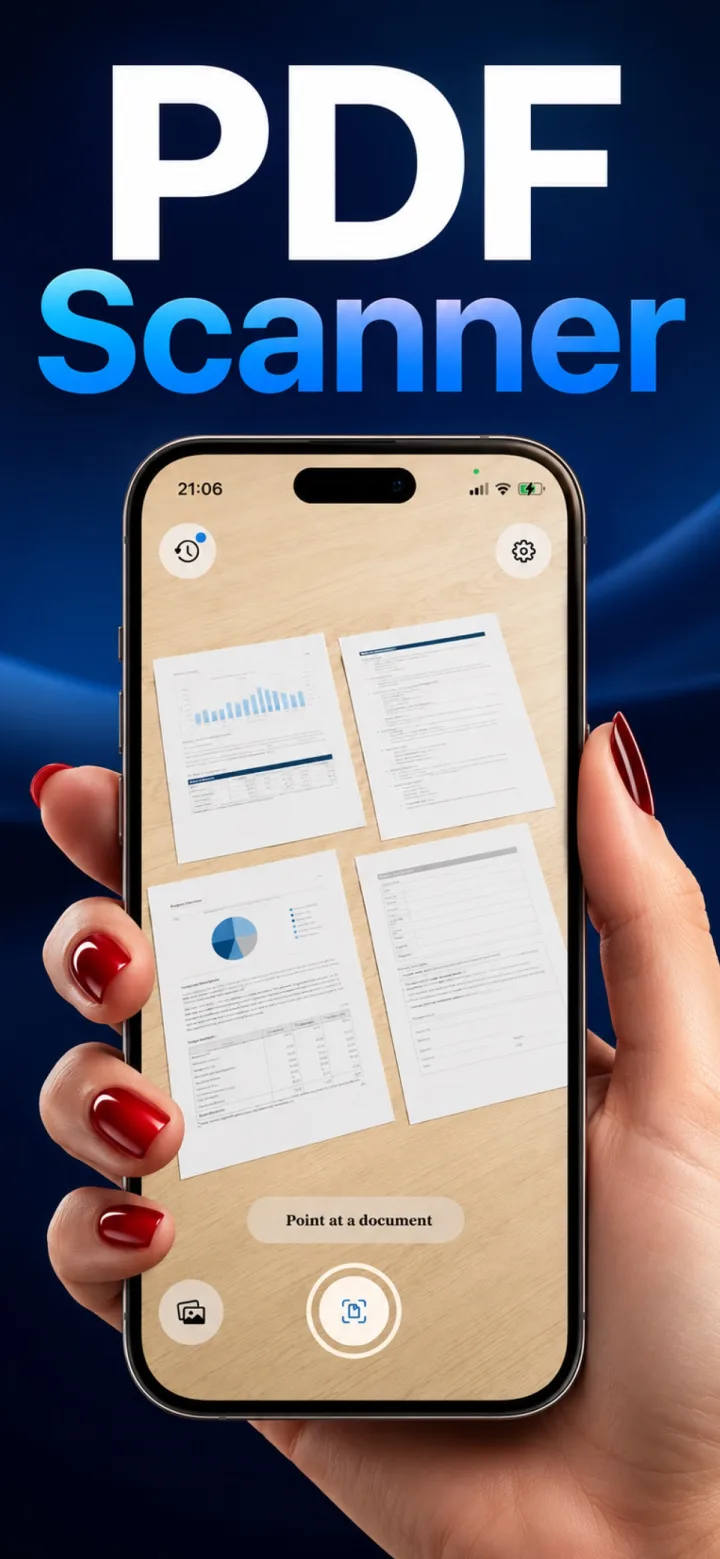
Open Lumi and it goes straight to the camera — no home screen, no setup. Point at any document and the app locks onto its edges automatically. Hold steady for half a second and it captures, dewarps, and sharpens the page on its own, no shutter button required. Scan several pages back to back and they group into one multi-page document automatically.
- Auto-detect and auto-capture — no manual shutter tap needed
- Multi-page sessions group automatically into one document
- Everything shown here — detection, capture, dewarping — runs on-device