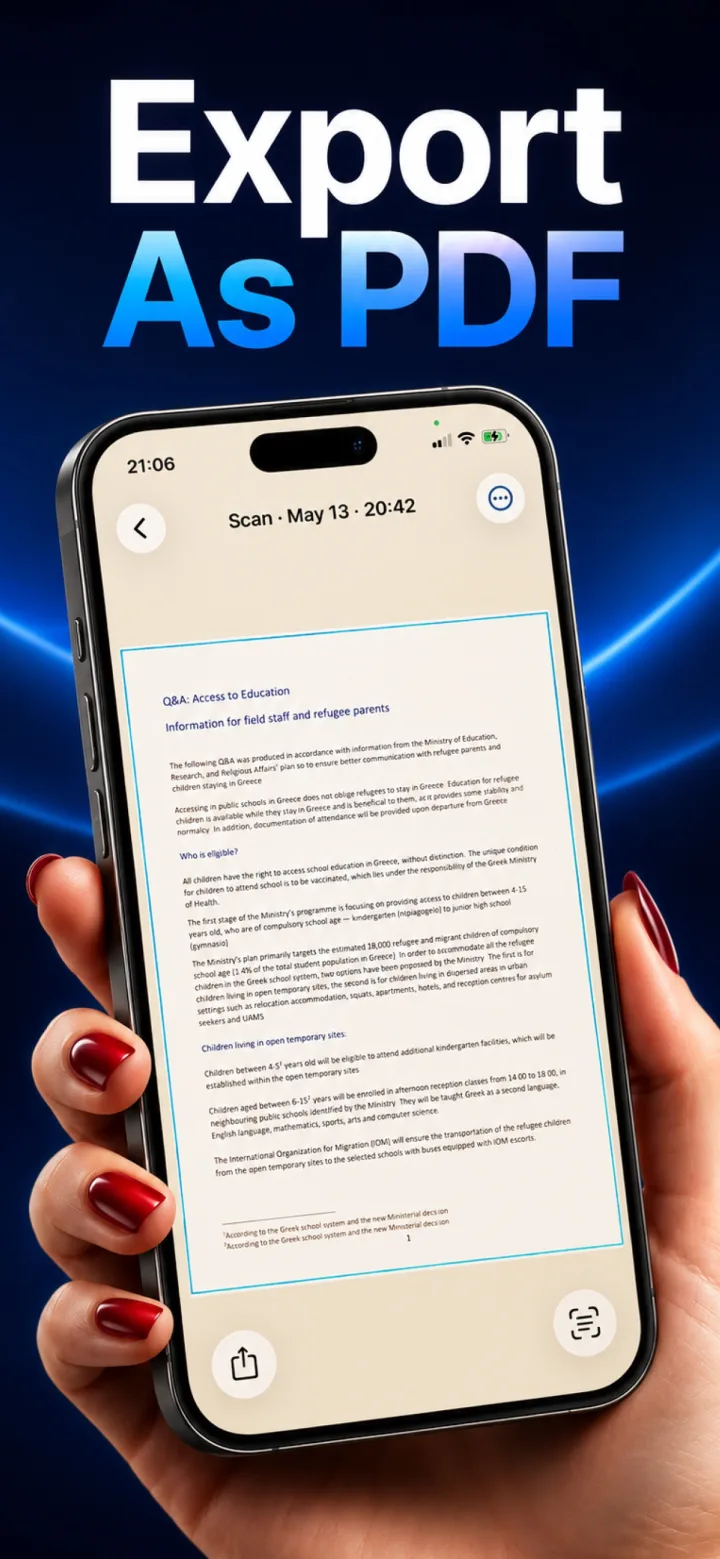
Cloud-based OCR means the actual text content of your document — names, numbers, addresses, whatever the page says — is transmitted to and processed on a server you don't control, which is a meaningfully different risk profile than on-device OCR.
What's actually being transmitted
Unlike a blurred thumbnail or metadata, OCR requires the server to receive either the full image or the extracted raw text itself — for a passport, ID, or financial document, that's the exact sensitive content a privacy-conscious user would want to keep local.
Where the risk actually lives
The risk isn't necessarily that any given company misuses the data intentionally — it's the accumulated exposure of a data transmission and storage step that simply doesn't need to exist for the OCR to work, given that on-device OCR is now technically capable of the same result.
How to check what an app actually does
Reading the specific claim in an app's privacy policy about whether OCR runs locally or via a server, and testing whether the feature works offline, are the two most reliable ways to verify rather than assume.
Is on-device OCR as accurate as cloud OCR?
For printed text, on-device OCR frameworks like Apple's Vision have closed most of the accuracy gap with cloud services — for typical documents and forms, the difference in practice is small.