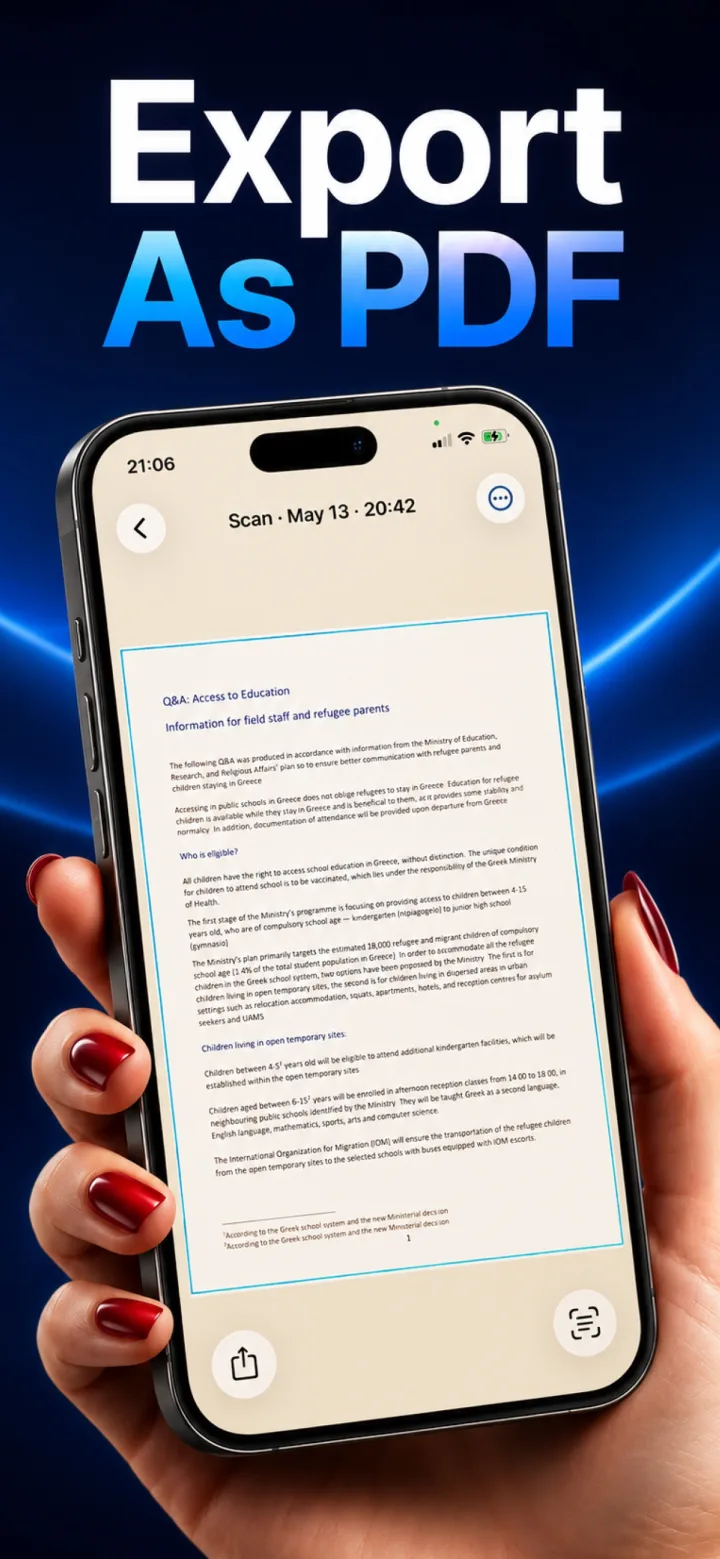
On-device processing means the actual computational work — detecting a document, correcting its perspective, running OCR — happens using your phone's own hardware, with no data ever sent to a remote server to do the job.
The alternative: cloud processing
Many apps upload a photo or document to a remote server, where more powerful hardware runs the actual processing, then sends the result back — meaning your raw content leaves your device, even if only briefly.
Why this distinction matters for documents
Photos of receipts might feel low-stakes, but ID cards, passports, contracts, and financial documents are exactly the kind of content where 'never leaves your device' is a materially different privacy guarantee than 'processed and then deleted from our servers.'
How to verify a claim like this
Genuine on-device apps typically work identically in airplane mode (since there's no server round-trip needed) — a scanning or OCR feature that stops working without an internet connection is a strong signal it isn't actually on-device.
Does on-device processing use more battery than cloud processing?
It can use somewhat more compute in the moment, but avoids the network round-trip entirely — on modern phones, on-device Vision and OCR processing for a single document is fast and lightweight, not a meaningful battery concern.