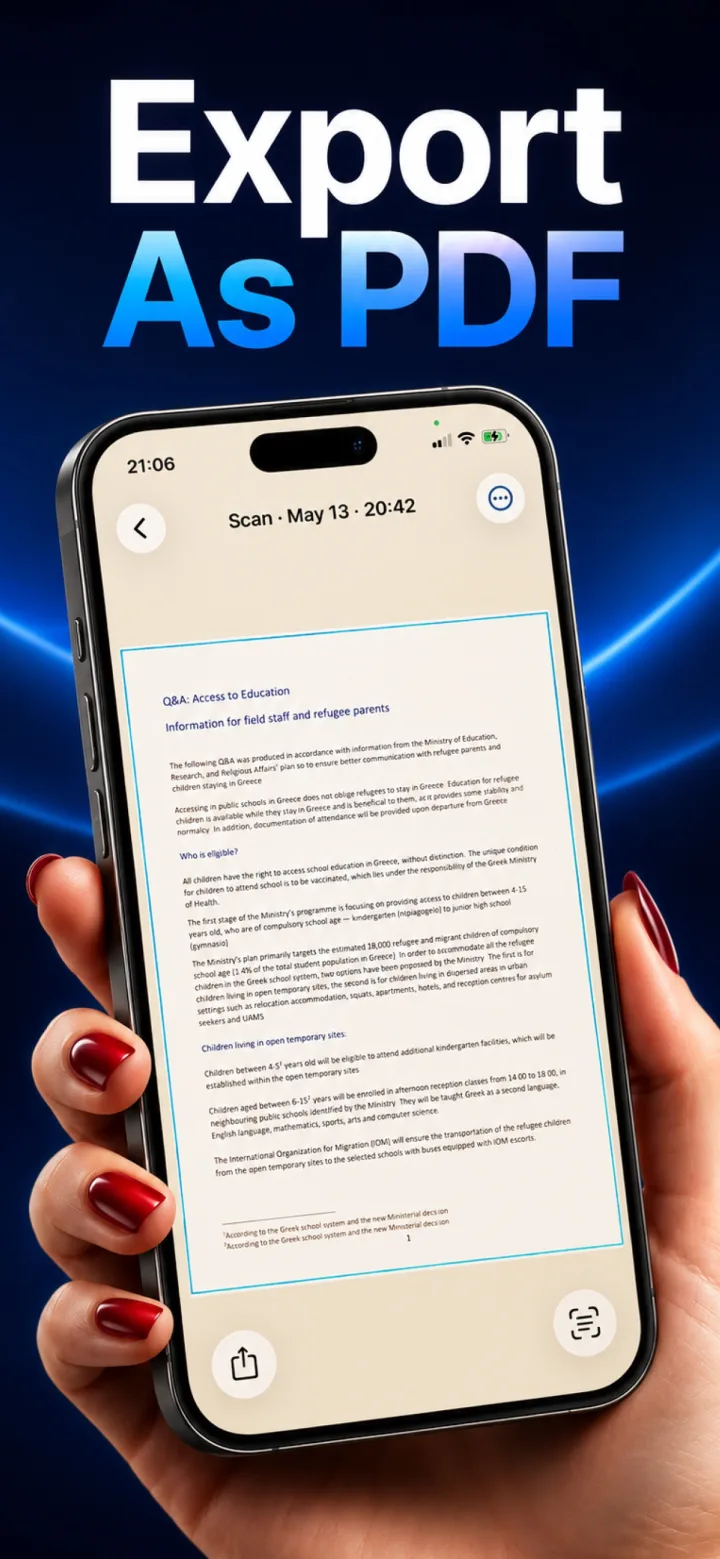
When a scanner app processes and stores everything locally, the resulting file lives in the app's private sandboxed storage on your phone — not on any external server.
Where it's actually stored
iOS apps store local files in a sandboxed directory only that app (and, for photos you explicitly export, the Photos app) can access — other apps can't read another app's private storage without your explicit action, like sharing or exporting.
What this means for backup
A locally-stored scan is included in a full device backup (iCloud or a computer backup) just like any other app data, but isn't separately synced to a cloud service unless you deliberately export or share it somewhere.
What this means if you lose or reset your phone
Without a device backup, locally-stored scans are only as safe as the phone itself — which is the real tradeoff of full on-device privacy: you gain control over where your data goes, but you also own the responsibility of backing it up.
Should I export important scans somewhere else as a backup?
Yes — for genuinely important documents, exporting a PDF to a location you control (Files app, your own cloud storage, email to yourself) is a sensible extra safety step, independent of whether the scanning app itself uploads anything.